Your work shifts, in one calendar
Know your next shift. Plan the days around it.
ZAM Calendar helps you organize rotating shifts and see public holidays in one calendar, so you can plan ahead.
Download on the App Store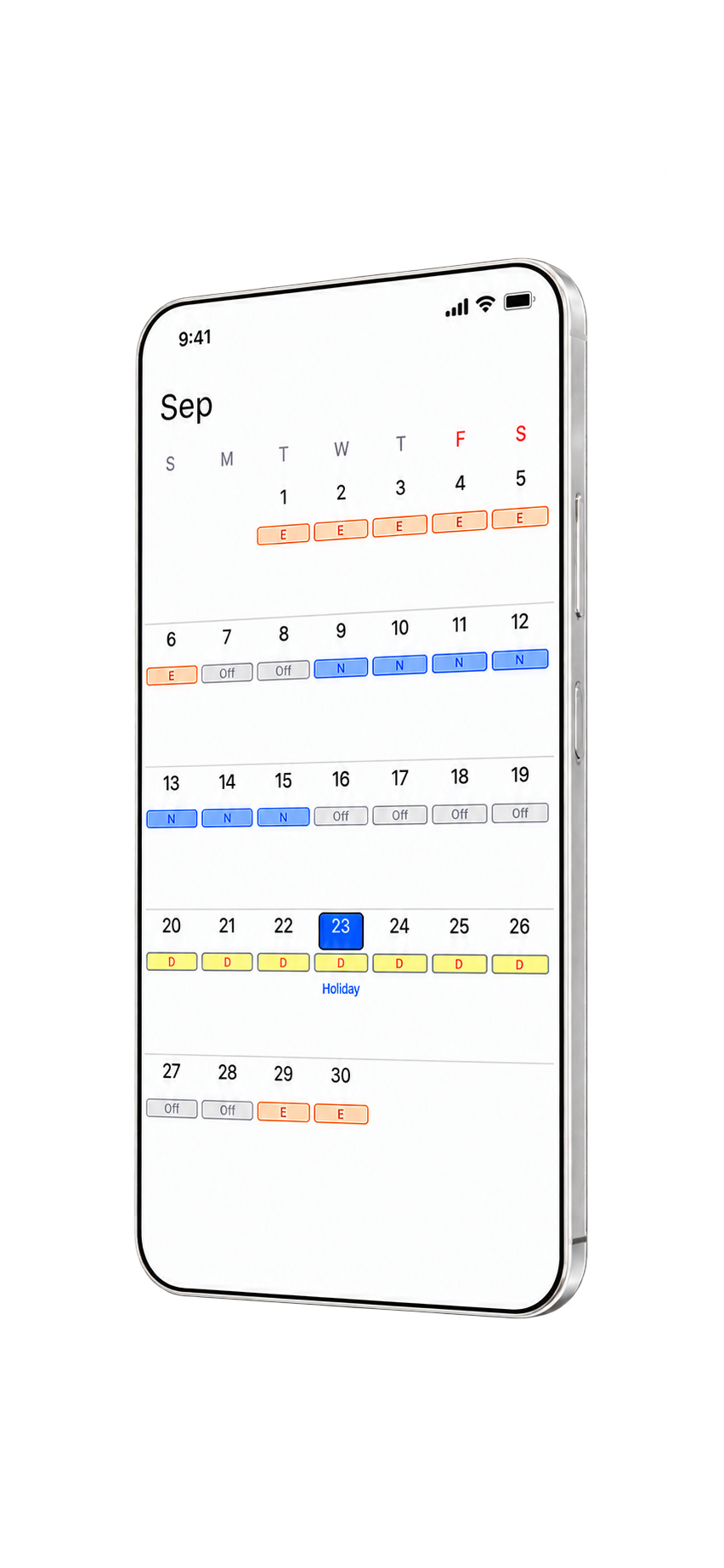
Build your schedule
Choose a rotation or create your own.
Start with a pre-made shift schedule, set a regular schedule, or create a custom work pattern. Enter its start date to see your shifts across the month.
When plans change
Change one shift, not the whole pattern.
Select the day that changed and replace its shift. Your other scheduled days stay in place.
At a glance
Keep your shifts in view.
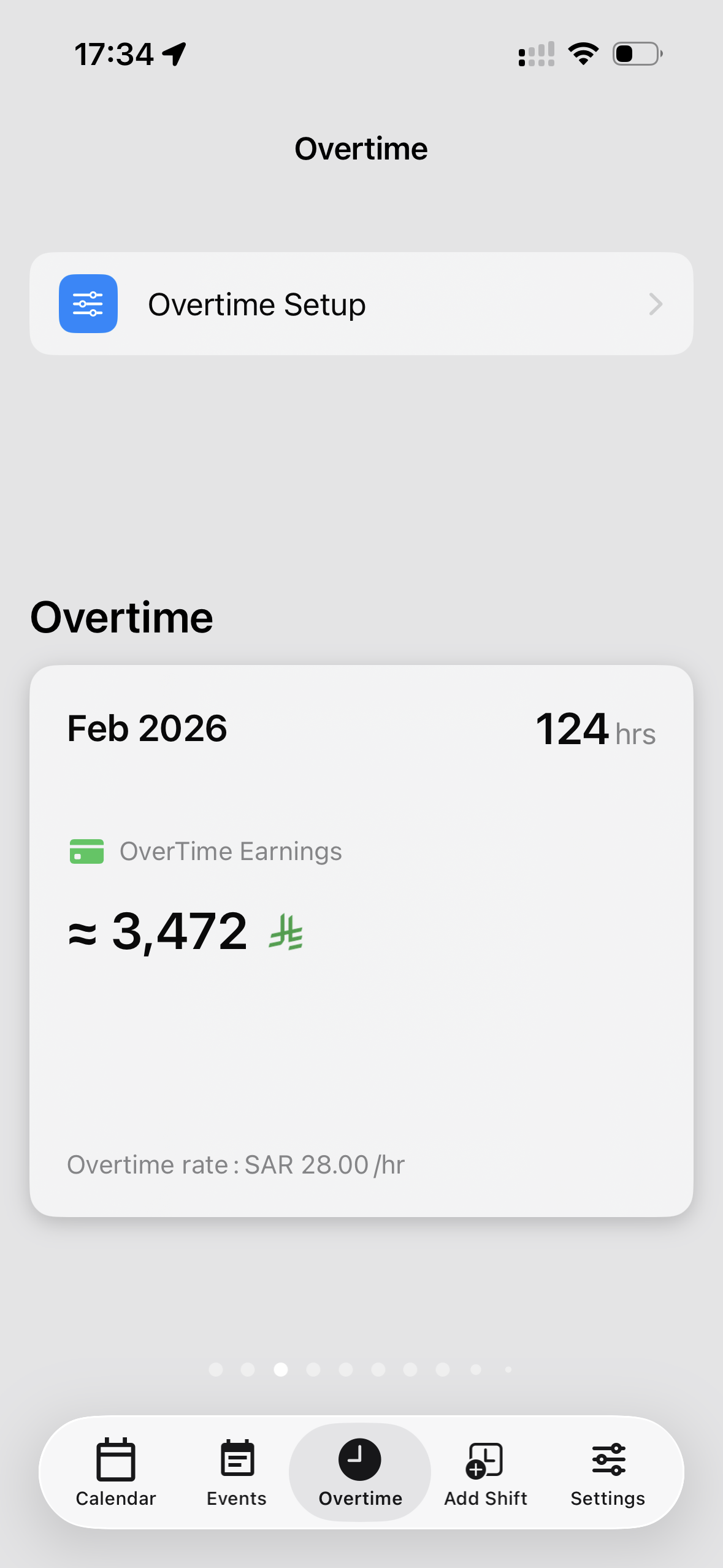
The widget shows your upcoming shifts without opening the app.
For rotating schedules
How can I organize a shift work schedule?
Start with your work pattern and its start date. ZAM Calendar shows the resulting shifts on a monthly calendar, so you can check work days and days off before you make plans.
Is it right for you?
Built for changing work schedules.
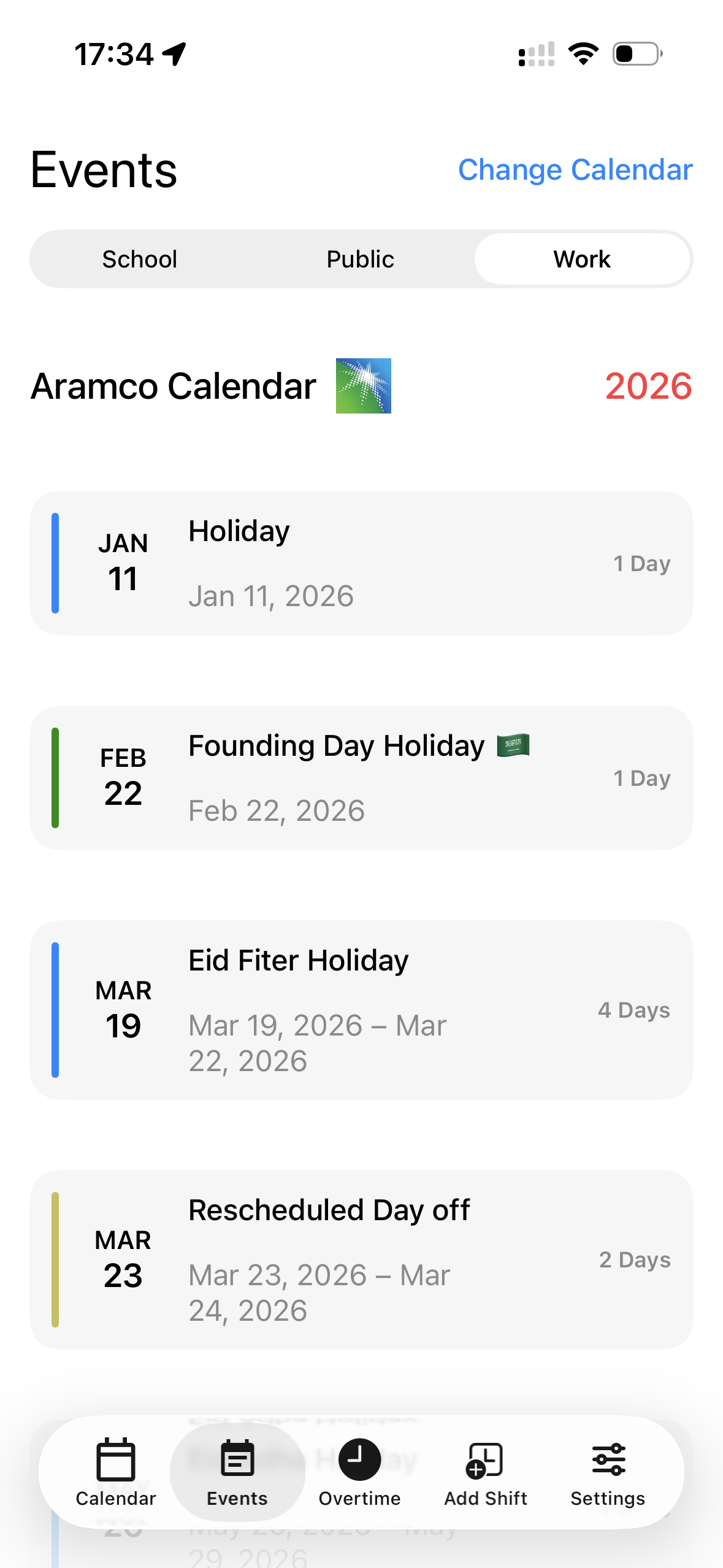
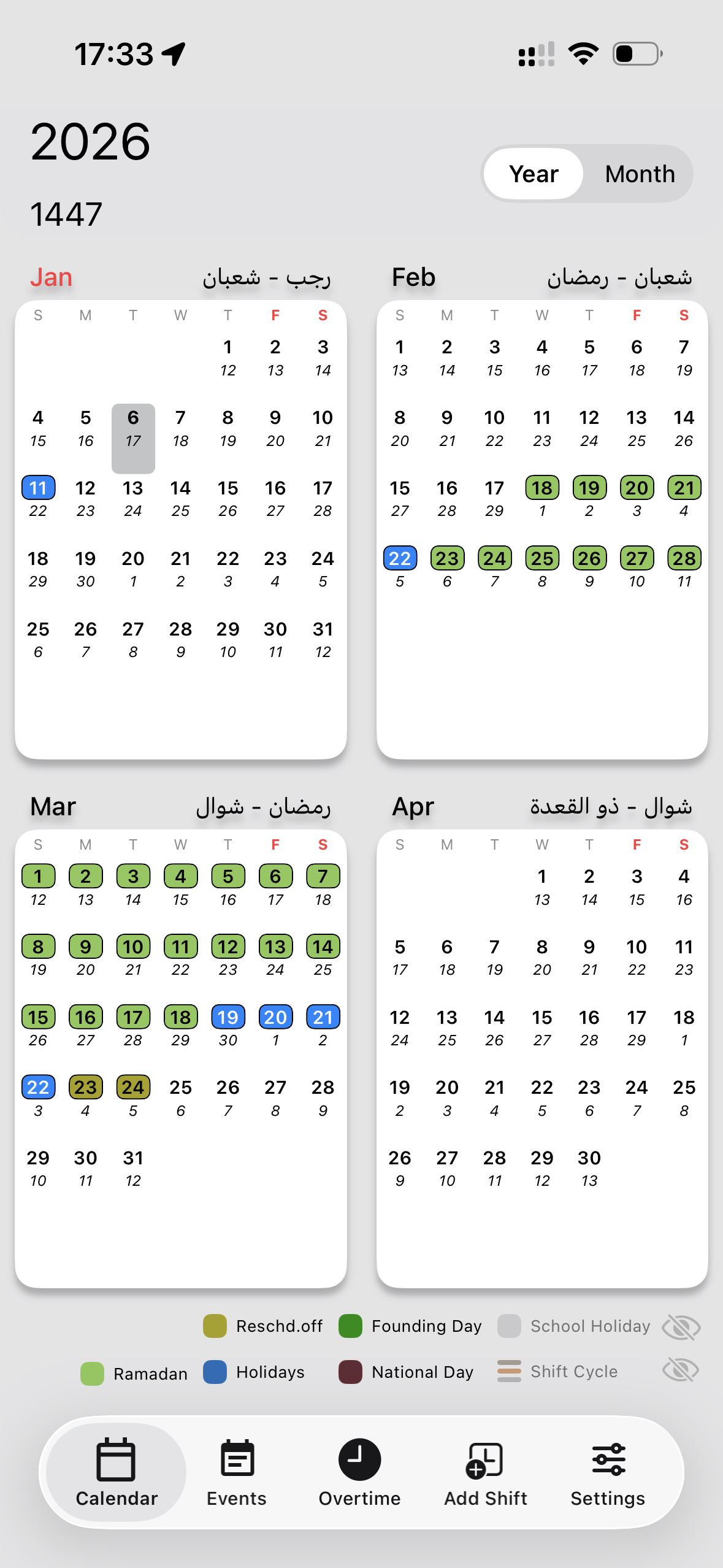
If you work rotating shifts, ZAM Calendar brings your work schedule, personal events, and public holidays together in one place.
Download on the App Store